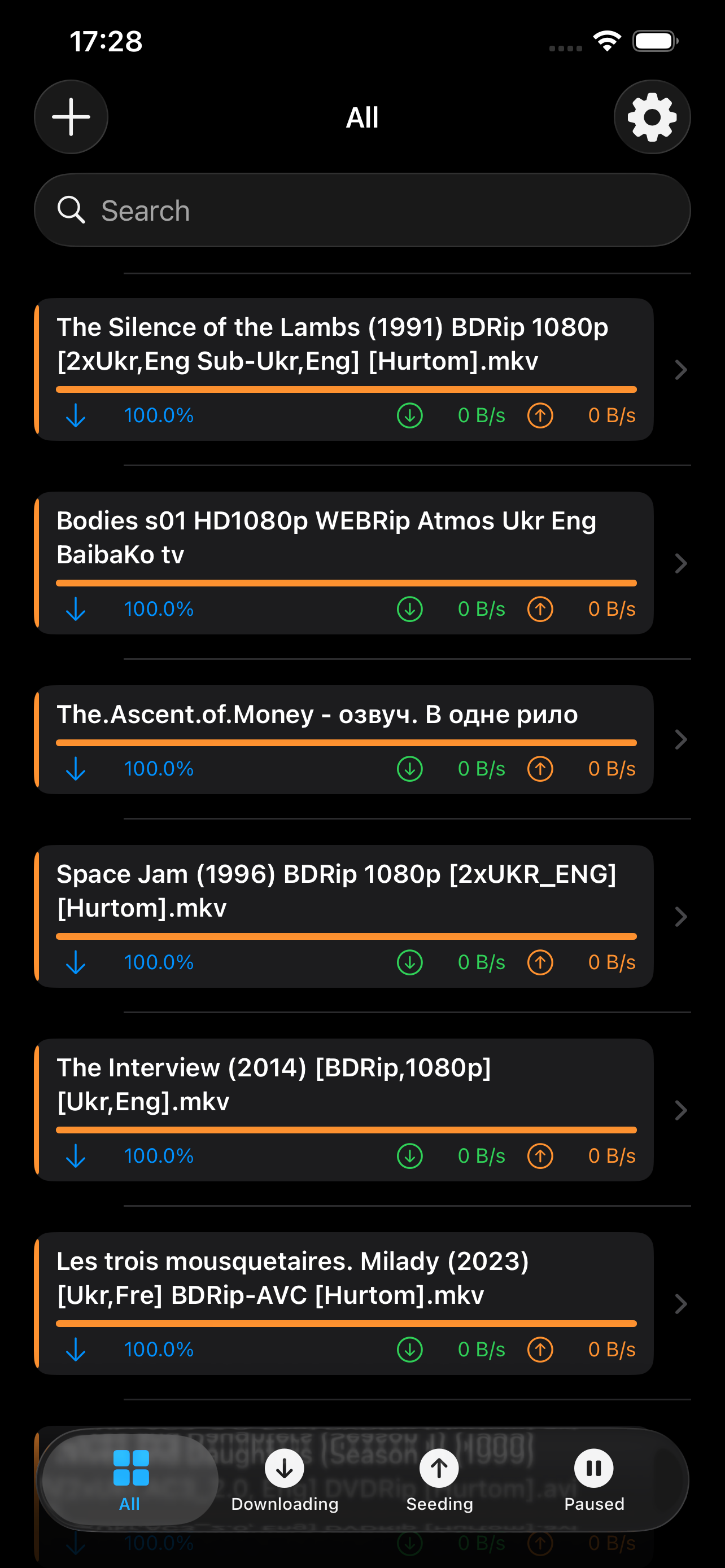
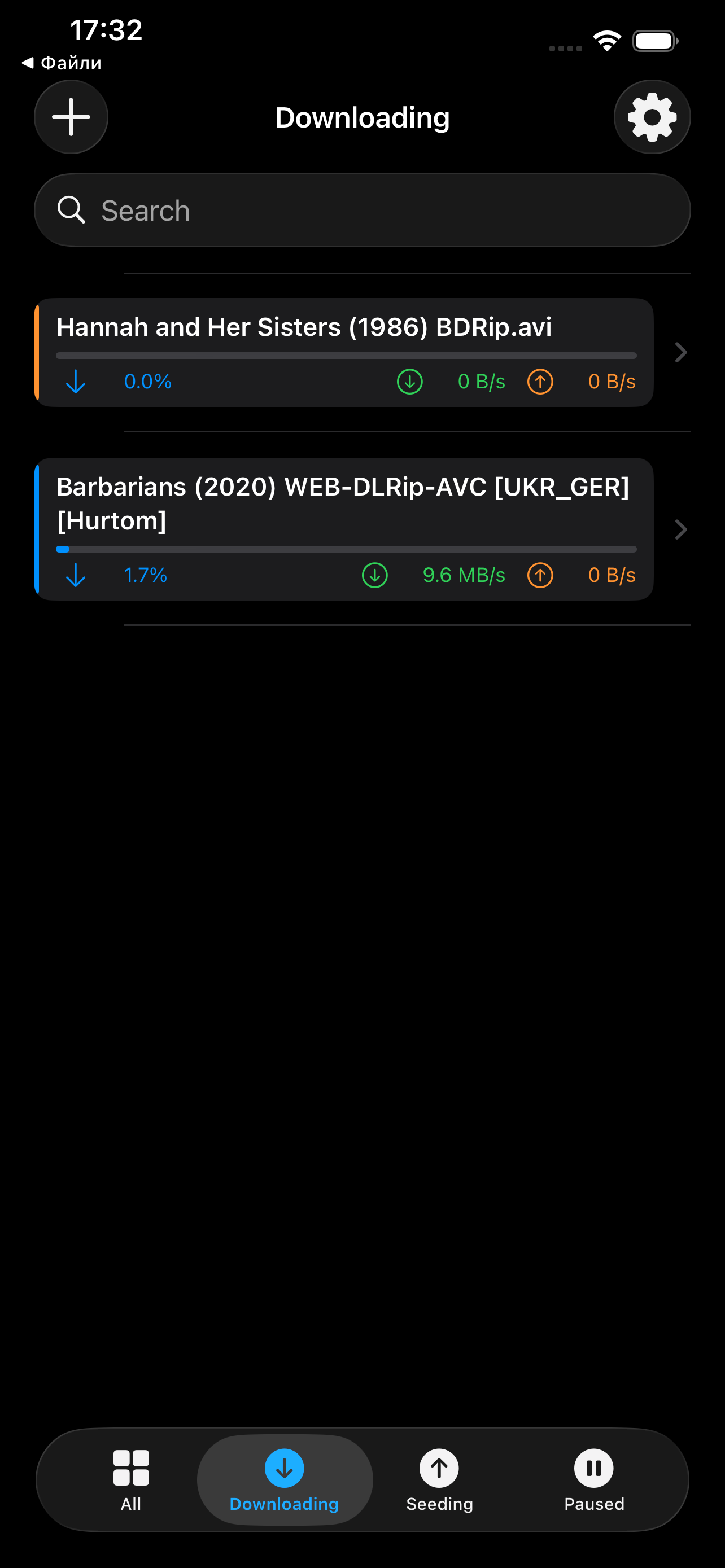
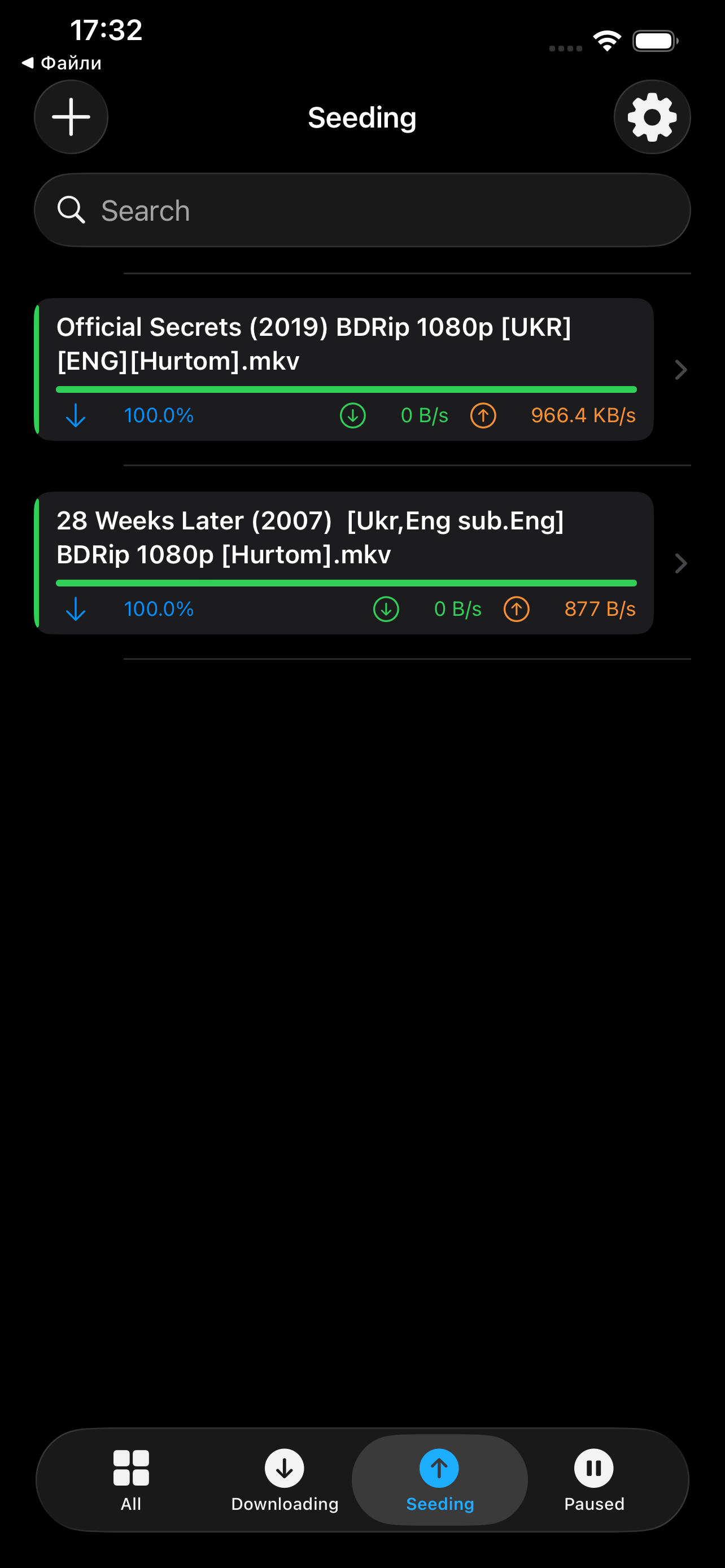
Live Monitoring
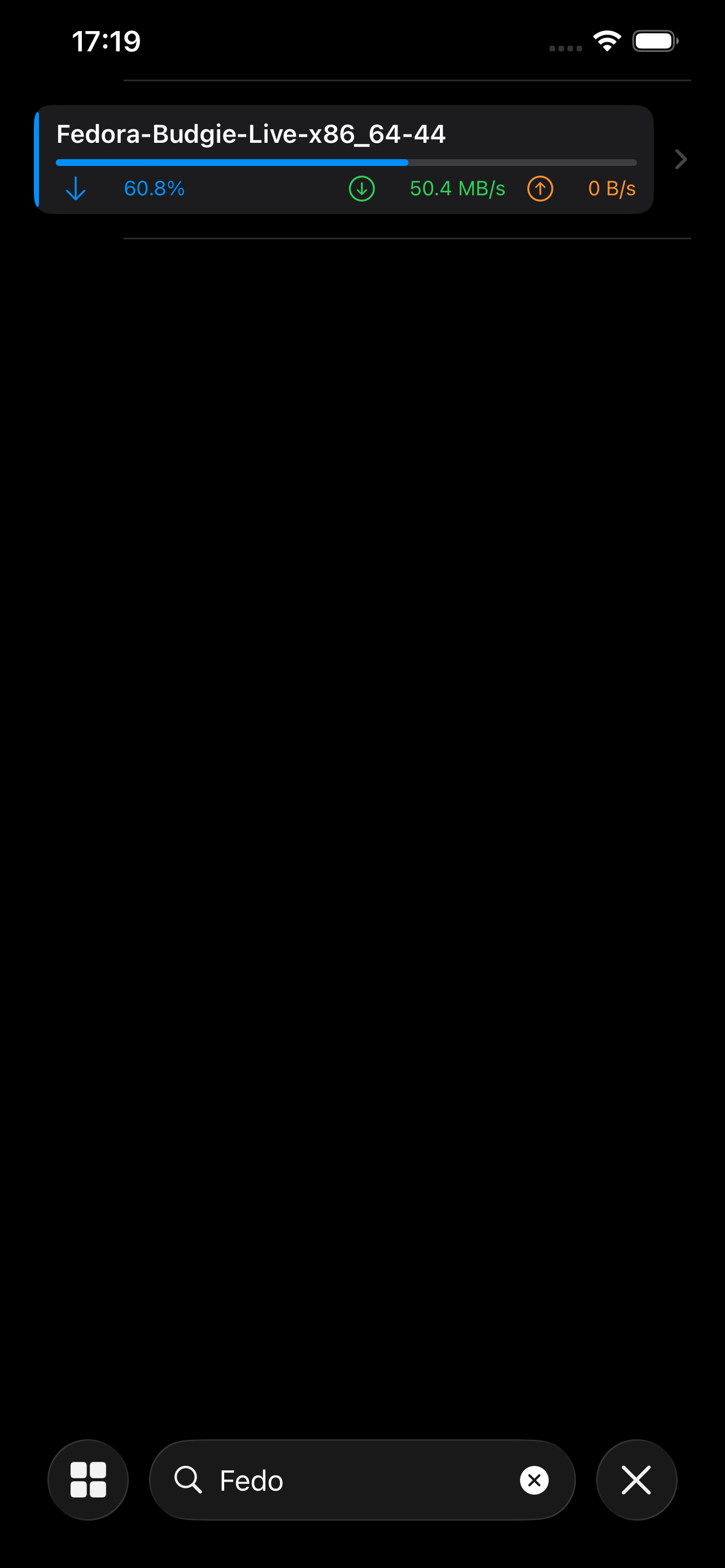
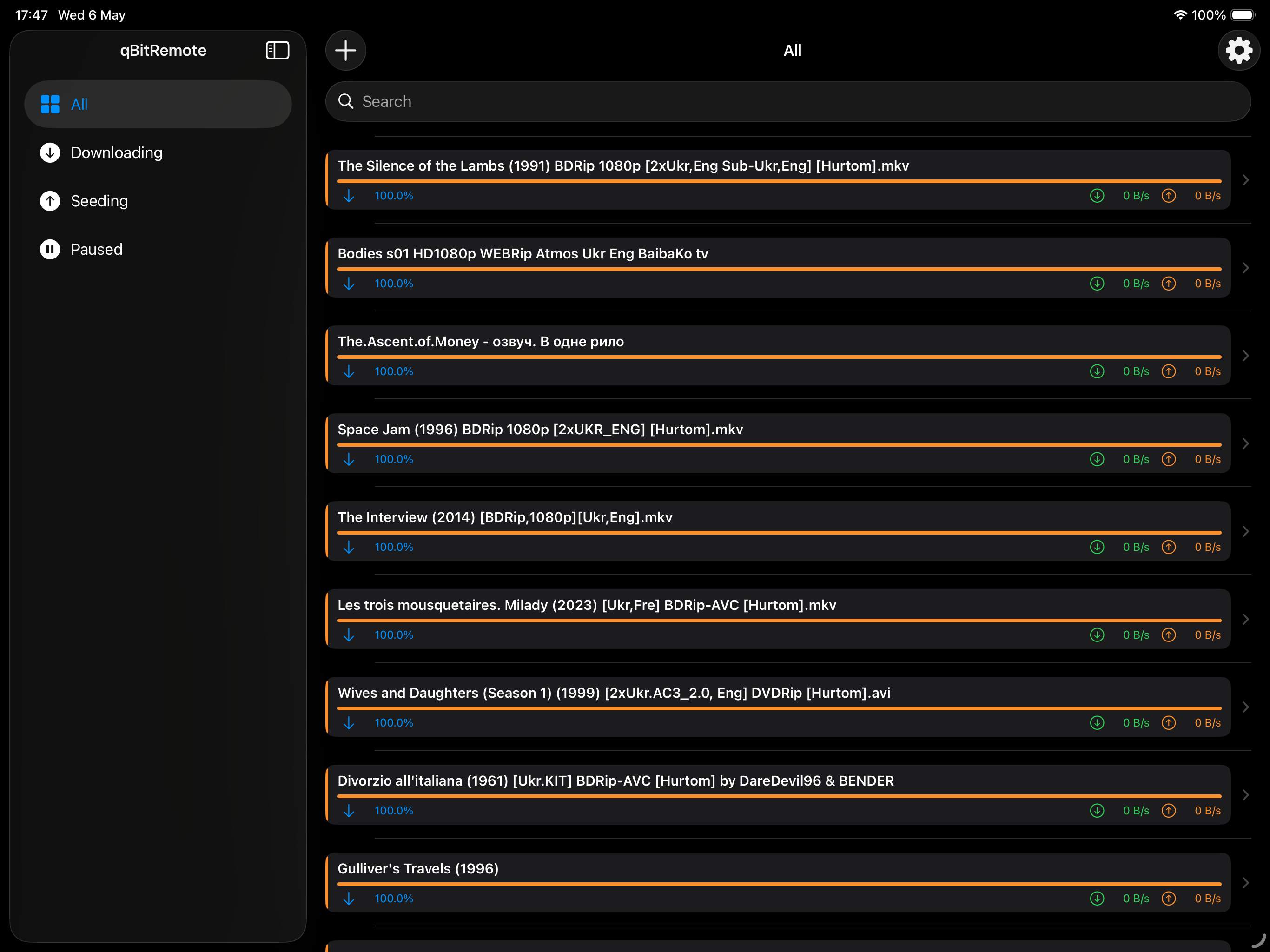
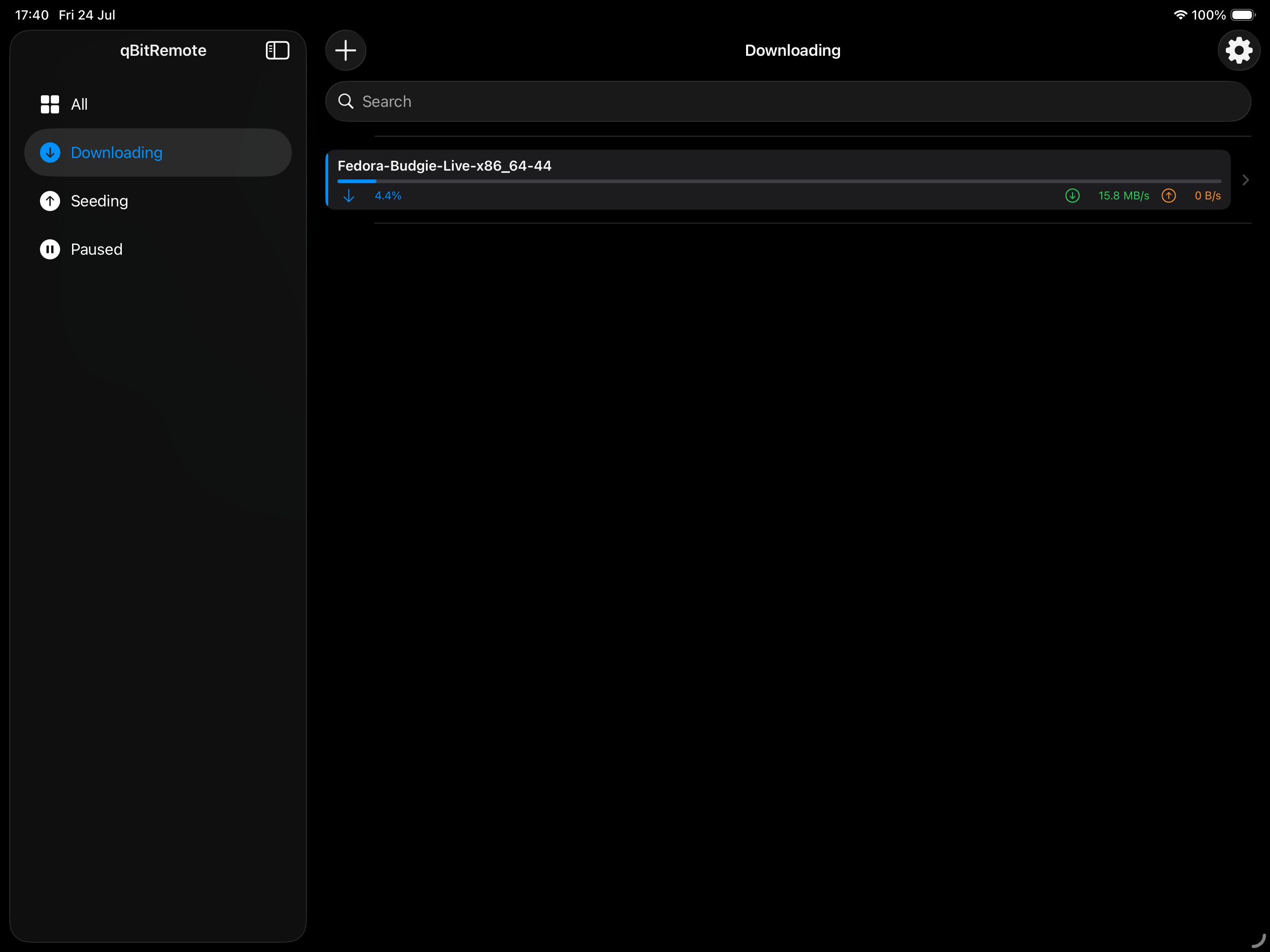
Real-time download and upload speeds, progress bars, peer and seed counts — refreshed automatically every few seconds.
Smart Filters
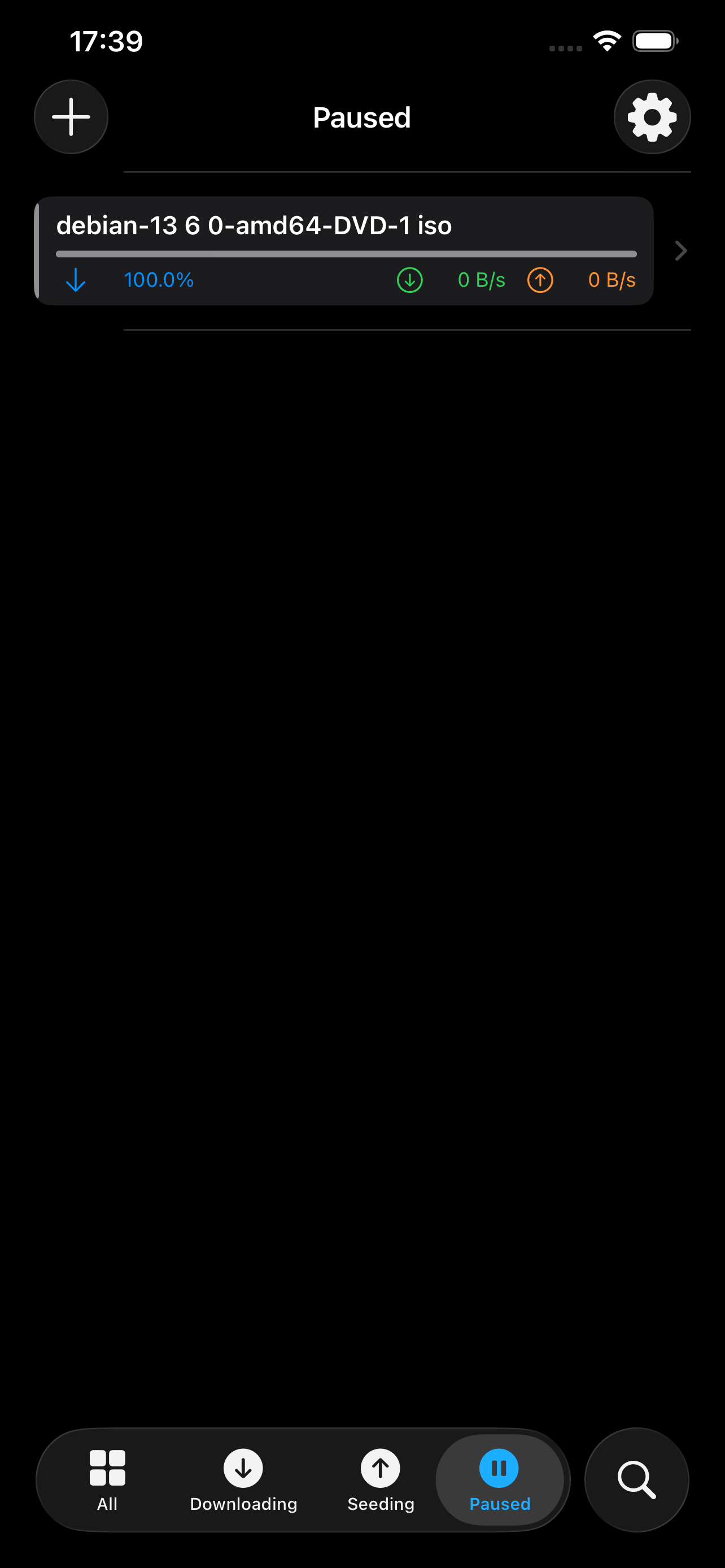
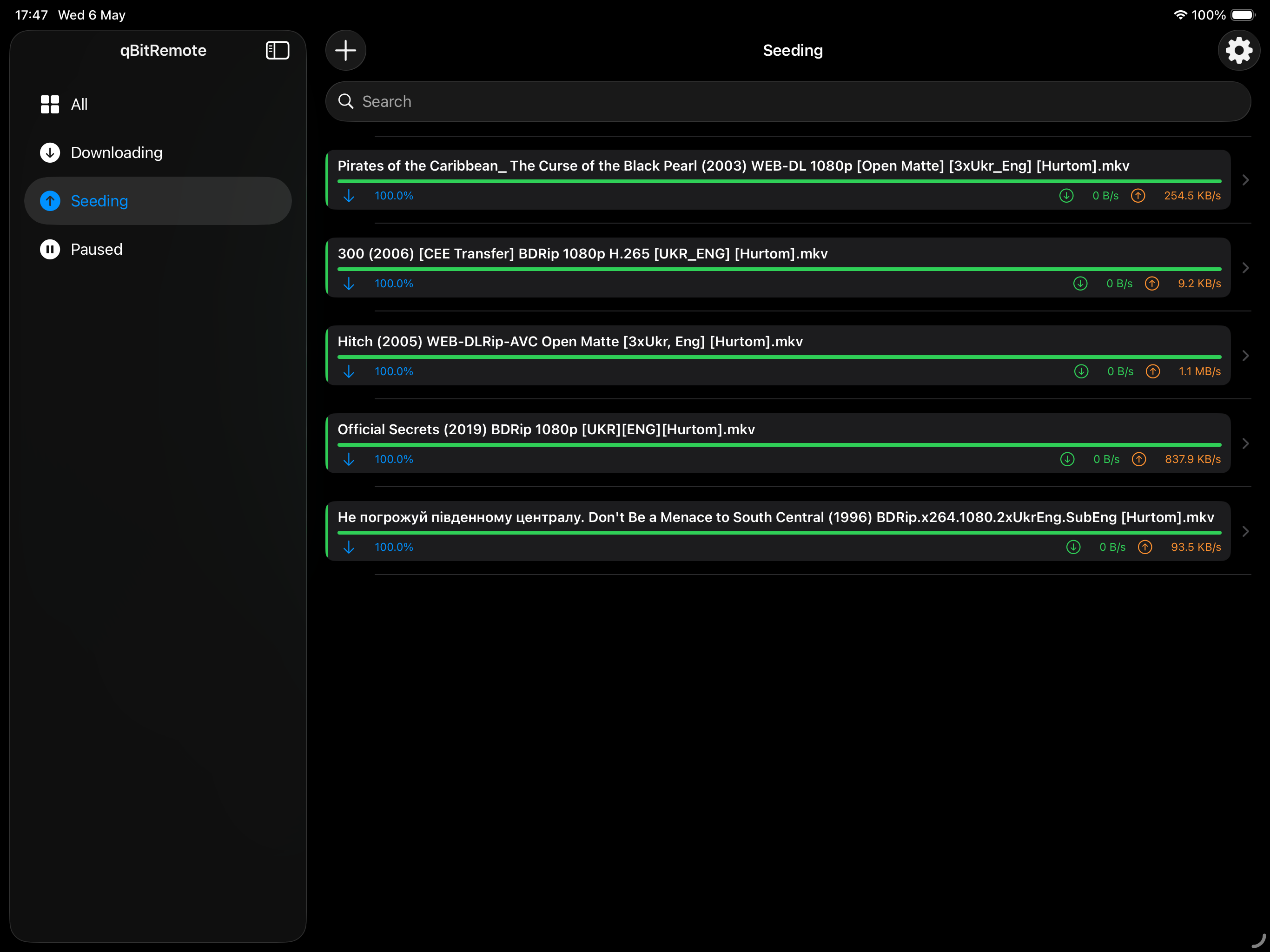
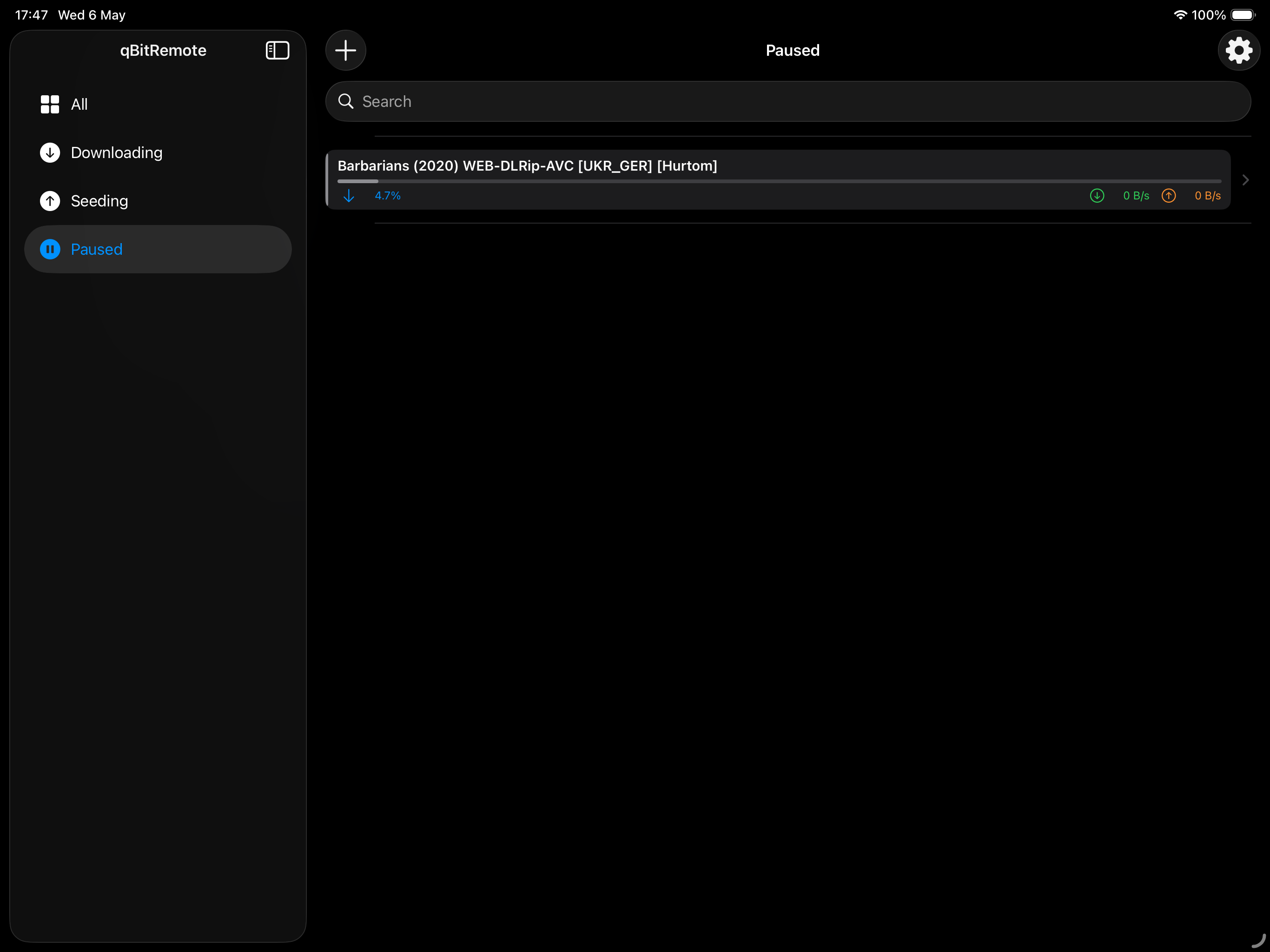
Instantly switch between All, Downloading, Seeding, and Paused views. Find any torrent fast with full-text search.
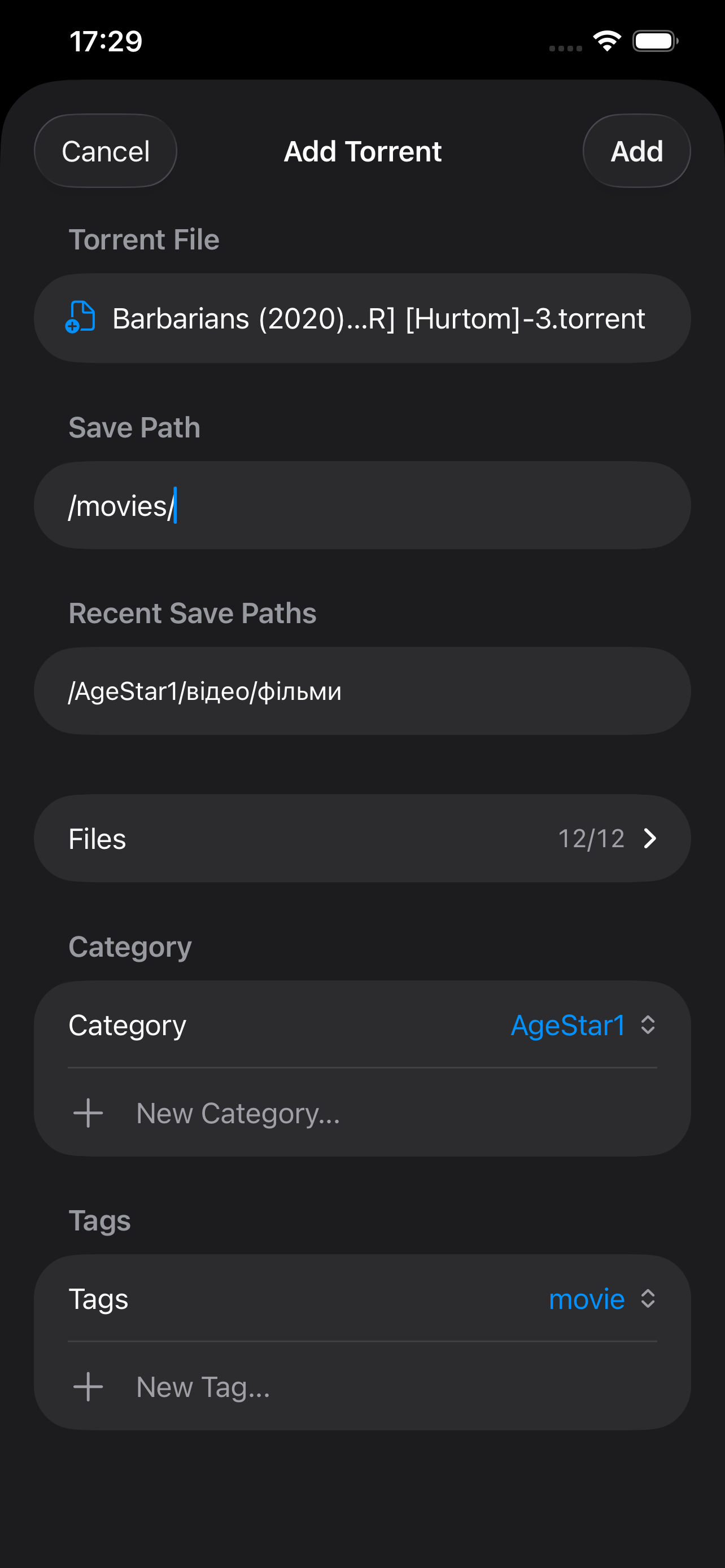
Add Torrents
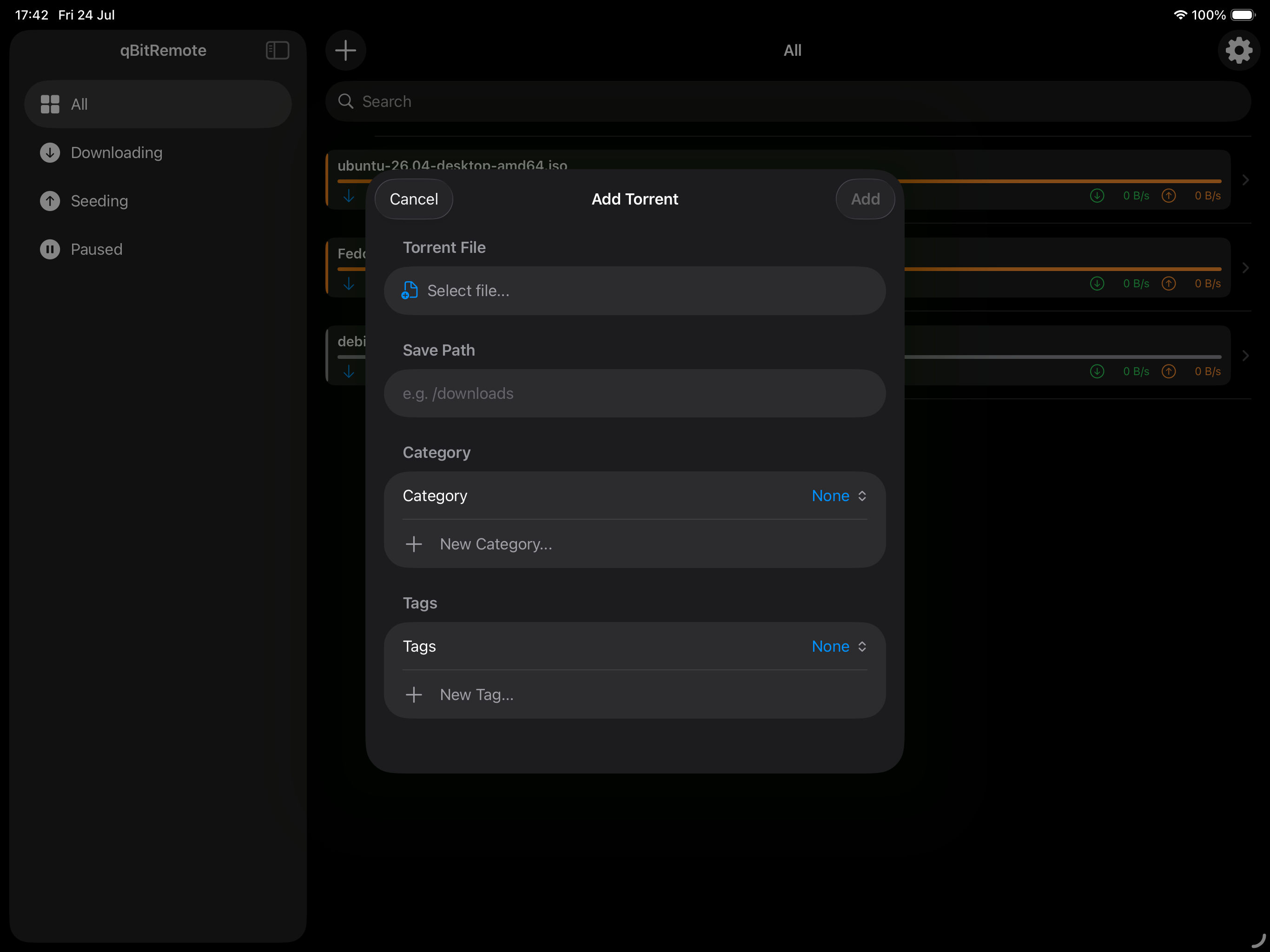
Open .torrent files directly from Files, Safari, or any other app. Set the save path, category, and tags before adding.
Categories & Tags
Assign existing categories and tags when adding, or create new ones on the fly — synced directly with your qBittorrent server.
Torrent Details
Full breakdown: status, ratio, save path, per-file list, peer/seed counts, and one-tap Pause or Delete actions.
Secure & Private
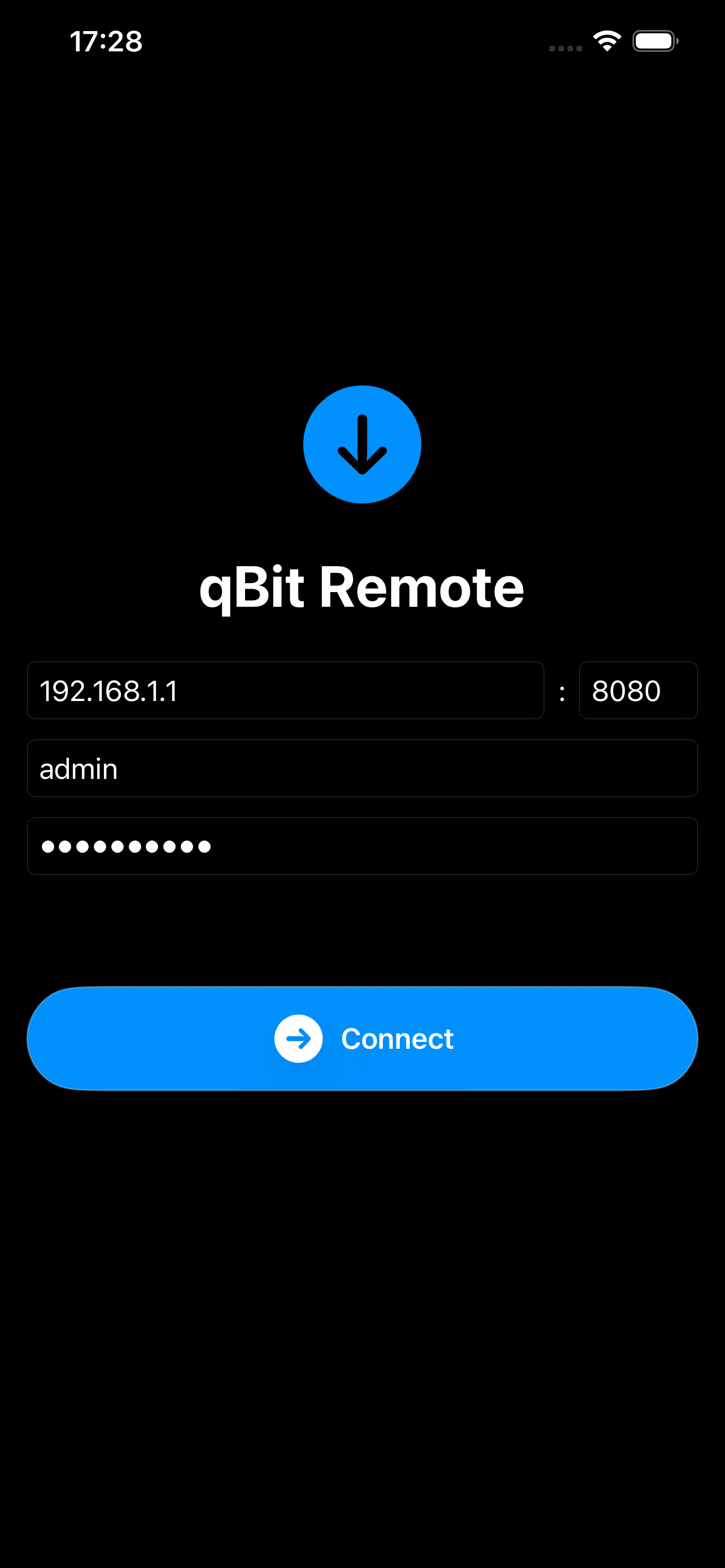
Credentials stored in iOS Keychain. No analytics, no trackers, no servers. Your data never leaves your device.